



Betnella App: Mobile Casino Gaming
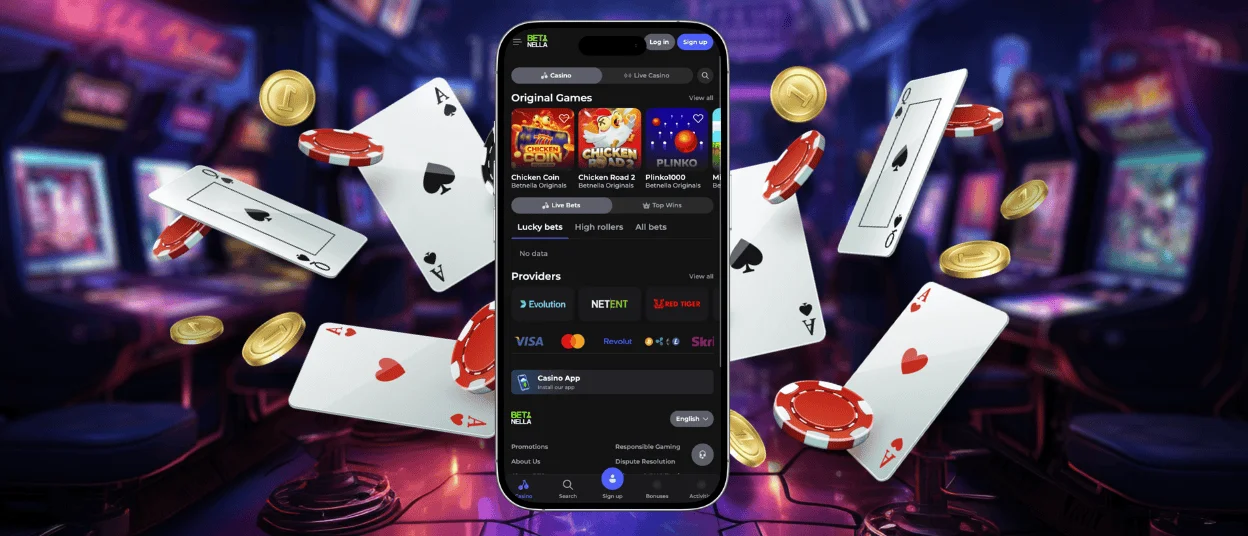
With the Betnella app, you can enjoy a whole new mobile casino experience. Unlike the web version, it lets you take advantage of features such as more flexible push notifications and a native full-screen mode. At the same time, all the benefits available in the standard version are also included in our application. You can access it directly from our official website on iOS and Android devices.



Betnella App Features
The Betnella Casino software for smartphones offers several advantages over the standard PC version. We use PWA technology, which has allowed us to achieve key features such as fast game loading and full-screen mode, unlike the web version. You can also forget about battery drain, as our program is specially optimized to consume less of your device’s power. The Face ID feature will help you avoid typing your credentials on your device’s small, inconvenient screen, and logging into your account will take just a few seconds.
If we were to point out any drawbacks, the main one is that you need to take your time and install our Betnella app. While the installation takes quite a while, it still requires the user to perform certain steps. But they’re definitely worth spending a couple of minutes of your day on.
Betnella Installation for Mobile Devices
The process varies slightly depending on the platform you want to install the Betnella Casino mobile app on. However, overall, it’s developed to be as simple as possible and shouldn’t cause any difficulties. Thanks to PWA technology, you don’t need to visit third-party websites or download APKs of questionable origin. All you need to do is visit our official website.
Install on Android
To access the Betnella app on your Android phone or tablet, all you need to do is follow a few simple steps:
- Open your browser and go to our official website.
- Then tap the three-dot menu.
- Next, you’ll see the “Add to Home Screen” button; before tapping it, you can choose an app name or leave it as is.
- Once you’ve confirmed that everything is correct, press this button.
The Bet Nella Casino icon will appear on your device’s screen after that. If you encounter any problems or have questions during the installation process, you can contact our customer support team via our 24/7 live chat or by email.
Betnella App – iOS
The process for installing Betnella Casino on your iPhone and iPad is virtually the same as on an Android device. You don’t need to visit the App Store or third-party sources; just follow these simple instructions:
- Open our official website in your preferred browser.
- Tap the “Share” button at the bottom of the screen
- Then scroll down and tap the “Add to Home Screen” button
- Next, choose a name for the application, then double-check and press the “Add” button.
- Wait for the program icon to appear on your screen
After that, Betnella will be available to play even without registering. You can try the demo mode of our online slots and decide whether you want to sign up for the platform.
Bet Nella Casino – Desktop Version
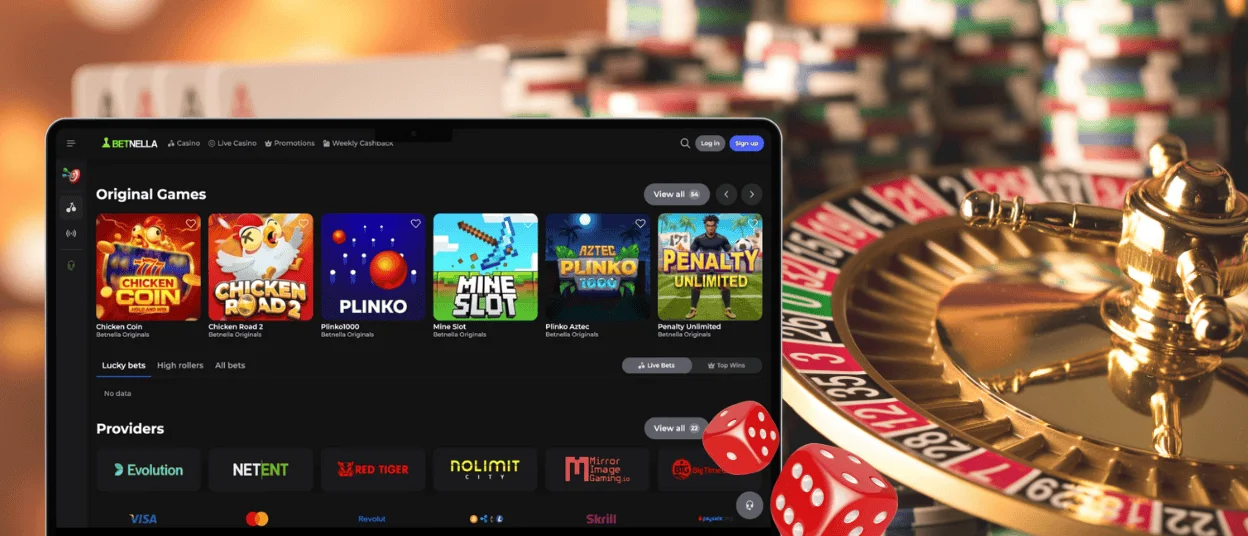
We’ve also released a desktop version of our Betnella app to fulfill all our users’ wishes. Unlike the browser version, the full-screen mode is a fully fledged feature, not just a stopgap. The same goes for push notifications, which players can freely customize and take full advantage of. At the same time, we’ve improved the animations and loading speeds even for the most visually stunning and resource-intensive games, ensuring your gaming experience is as enjoyable and immersive as possible.
Device Compatibility
To find out whether your device is compatible with our Betnella Casino application, you can open the relevant tab on the website and review the available information. We’ve worked hard to optimize our program so it performs at a high level on any device or platform you prefer to play on. Here are the detailed system requirements based on your gadget:
| Device Type | Minimum Requirement |
| Windows PC | Windows 7 or newer, 2GB RAM, modern browser |
| macOS | macOS 10.12 or newer, 2GB RAM, modern browser |
| iPhone / iPad | iOS 11.0 or newer, Safari browser |
| Android Phone / Tablet | Android 5.0 or newer, Chrome browser |
FAQ
Is the application optimized for tablets and larger screens?
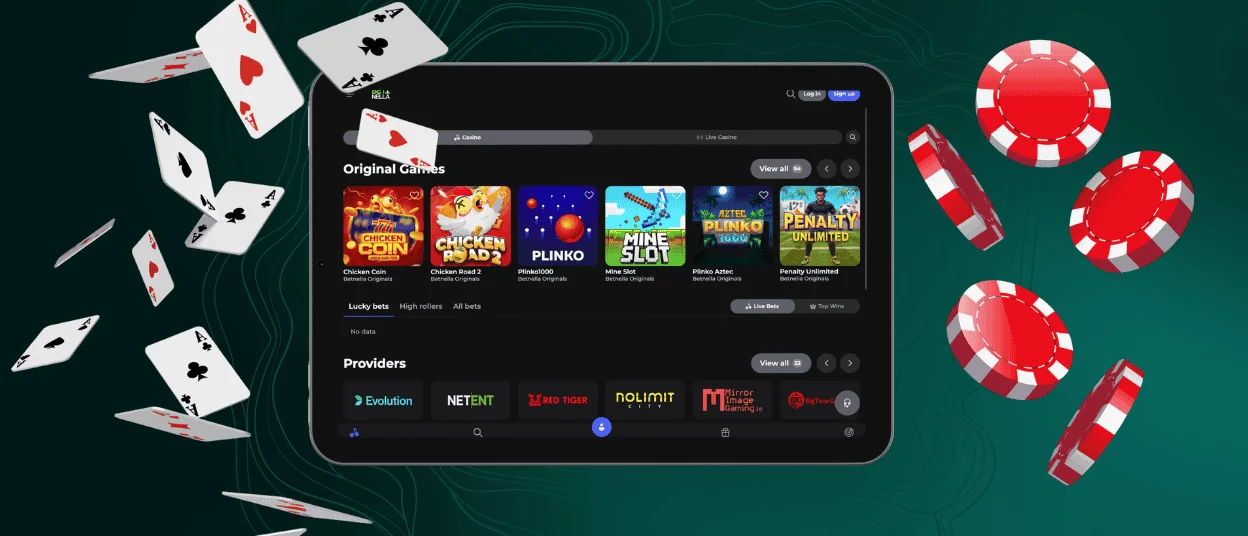
Of course. The Betnella app works great on devices with different screen sizes and delivers much more stable performance than the browser version. You don’t have to worry; you can choose any device you like to enjoy your time on the platform.
Can I upload KYC documents through the app?
Yes. The verification process can be completed from any device and in any way that’s convenient for you. In the Betnella Casino application, you’ll find a dedicated tab where you can quickly and easily upload the documents and address needed to verify your identity.
Does the app require special permissions to function?
No, you don’t need to grant any permissions other than those you’ve already granted to your browser. With Betnella PWA technology, there’s no need for that, so you can rest assured that your personal data is safe.
Will I lose my game progress if I switch between devices?
Don’t worry. All your progress is stored on our servers, and you can view it in the relevant profile tab, no matter which device you use to access Betnella Casino. Your gadget only stores some game cache data and cookies, which help games load faster.


